This reminds me. At my college, it was required in our first semester that we make a windows command prompt based game.
Not having much love for text adventures, some of us got clever and figured out how to take over the buffer and draw characters. So, we made games with ascii heros, traps and enemies etc.
But one group took this to another level. They found the function to reduce the font size. They decreased it down to where it was about the size of a pixel or near enough. Then implemented a full CPU based renderer with perspective correct texture mapping and shaders.
In highschool I made what I thought was a shit-tier space invaders out of printing to console one character at a time.
Rather than keep a frame buffer of characaters, I was scanning and modifying specific "pixel" characters as needed for performance like game of life but home-brew for my character-based space invader type enemies.
The game had a major memory leak by the time I got to presenting but that served as a perfect timer for the next player to get a turn. We didn't demo any other games once we got to it.
After class, I was not happy how many times it crashed but somebody corrected me - it was the only actual video game anyone made. Most were card games or guessing games.
Lost the source code because my floppy disk somehow got corrupted on the way home from the last day of school.
In my studies in college we did not do anything with the Windows API (or any other OS for that matter). While I can appreciate the concept of basically just using standard libraries to teach CS fundamentals in theory, in practice it just means the only things available to you are mostly leetcode-esque academic coding. Would have loved an assignment like this in my 1st or 2nd year. I was probably not aware of stuff like curses libraries until my senior year if that.
We had a similar project, except the professor supplied a cpp file for drawing characters to X,Y coordinates. The refresh rate was atrocious, which forced us to get creative. It was odd but fun.
I wrote something similar for a college software engineering class project - we were supposed to implement image filtering (blur, zoom and the like) and I wanted to be able to display the before/after pictures in the terminal.
Source: https://github.com/donfreiday/graffiti
Cool-Retro-Terms white noise effect is amazing for legibility. In screenshot, meh, but in action it makes reading much easier on my eyes. The readability improvements from my filter setup is so great that I use CRT on my mac despite the insane number of compromises (no tabs, crashes now and then, copy and paste is strange, limited scrollback, latency measured in who knows how many 100s of ms).
Other similar programs don't have the same type of white noise effect, they don't improve legibility at all.
whoa. i never thought about that. do you just feel better reading? im curious how it could actually be working. maybe its rotating which rods and cones are getting hit more and so your eye is getting a more continuous signal somehow
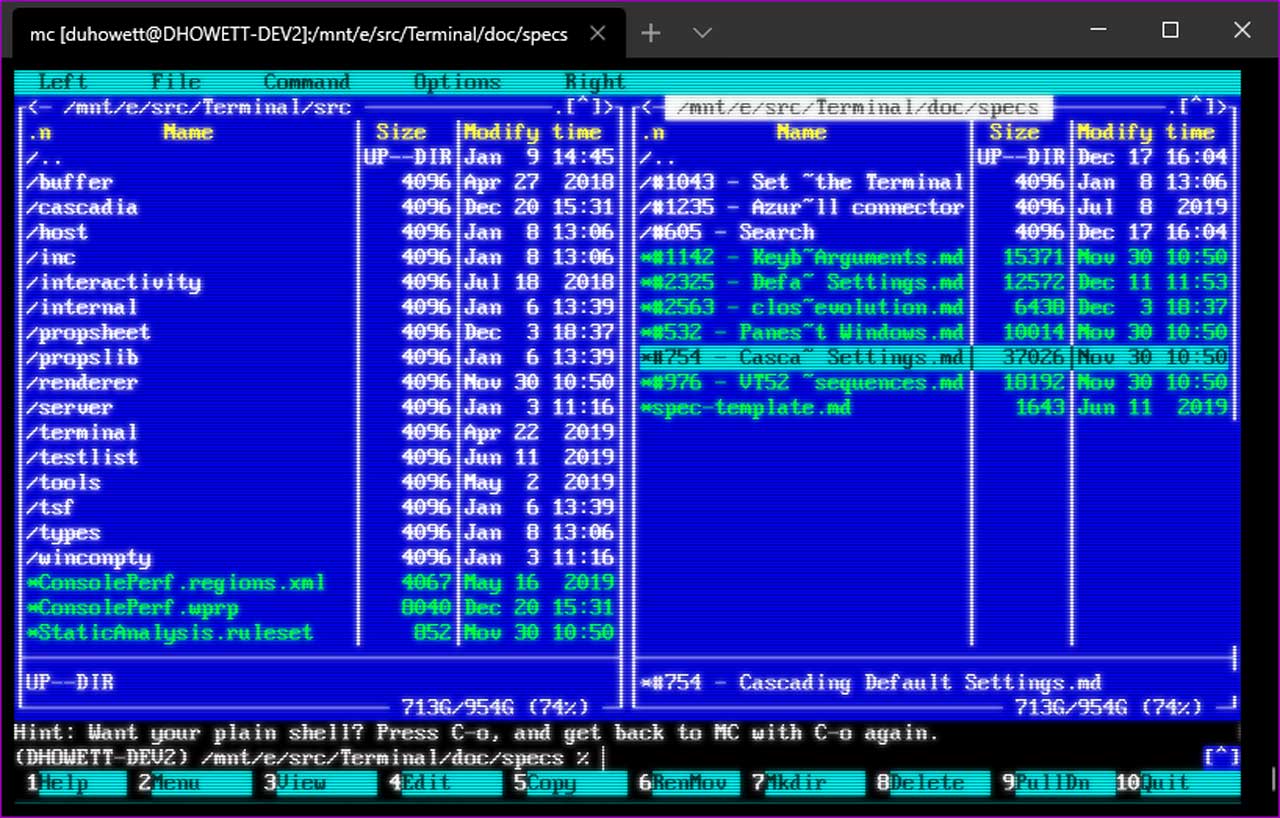
From the examples it's not obvious how to do the curved CRT effect.
BTW, every window on the screen should have this functionality. Reminds me of the "Out of Context Menus" I had on my PPC-based pre-OSX Macs. You could apply a gaussian blur to the window from the context menu. Or adjust the vertical sync.
You can just sample the texture from a different position, though you'll need to calculate what part of the text should show where (and possibly snap the position to the middle of the pixel / implement custom interpolation).
There's one screenshot in their blog [1]. Unfortunately, it's not clear from the announcement just how flexible this is. It would be fun if it's capable of effects like cool-retro-term[2].
(EDIT: There was a "retro terminal effect" released a year ago, and the announcement for that version [3] shows it affecting the whole window. A quick search through the Microsoft Terminal source suggests this new feature is an extended version.)
For the record, this was a community contribution. So we maybe didn't take the proper diligence in documenting this as we should have. Frankly, I'm no hlsl expert so I don't think I'm capable of coming up with anything cooler than what the original PR introduced, but I'd be _happy_ to include community contributions in the docs. We'll definitely be addressing this (on Monday).
Is there a way to get this working using the Microsoft Store version of Windows Terminal? I've tried editing %appdata%\Local\Packages\Microsoft.WindowsTerminal_8wekyb3d8bbwe\LocalState\settings.json and nothing changed.
I tried to update C:\Program Files\WindowsApps\Microsoft.WindowsTerminal_1.5.10271.0_x64__8wekyb3d8bbwe\defaults.json but it requires SYSTEM privileges to edit...
I wanted to check this out badly but I am at a loss...
The pixel shaders feature is not in Windows Terminal 1.5, [1] the version you have installed, but it is in Terminal 1.6. Download and install Windows Terminal (Preview) from the Store if you want 1.6, or wait a month until 1.6 is published as the regular Terminal in the Store.
Frankly, the inversion effect isn't that interesting - it's literally just `result = rgb(1.0-r, 1.0-g, 1.0-b)`. We _will_ be adding more screenshots though, since that's such an obvious thing that I can't believe we missed.
I was hoping this would provide framebuffer-like functionality in the terminal window instead of "just" a way to apply image posteffects.
A proper pixel framebuffer terminal standard fast enough to be updated at refresh rate would allow a lot of interesting terminal applications which would live somewhere between Curses UIs and "proper" UI applications which require a whole window system!
Current "render pixels to the terminal" standards like iTerm2's ability to display images, or the "Sixels" standard are unfortunately too slow to render colored images at display refresh rate (Sixels is just barely fast enough to render two colors).
I've been playing around with running home computer emulators in terminal windows (for instance here's a "C64 in Docker" limited to rendering characters: https://github.com/floooh/docker-c64), imagine if this could run with actual pixel graphics in terminal windows :)
Can we get the basics right? Right now putty is still much better than Windows Terminal and its written 20 years ago by someone who still can't afford a domain name.
I'm not sure what it means to "get the basics right". I've just been wondering how it can be so hard to text-zoom in Putty. I don't know about Window Terminal, but at least in gnome-terminal you just press ^+.
In Putty, it seems that I have to 1. Click the Putty window corner 2. Select 'Change settings' 3. Pick the 'Appearance' section in the meanu 4. Click the 'Change' button under the font section 5. Pick or type the font size 6. Press 'OK' 7. press 'Apply'
Programming graphics is always fun. I liked having pixel shader running in phone's home screen background. It was a box-breathing animation that would make me slow down the breathing anytime I saw it. It's a nice conversation starter as people often notice animated background.
What about any hit to performance? I like to know the terminal is not bogged down for some reason. Also, I'm curious the types of things already done with such shaders in the terminal?
You'd have to write an amazingly expensive shader to tax the GPU to the point where it would step up from idle. This is very close to what the GPU already does for ordinary desktop compositing and nobody's complaining about that.
I am using Windows Terminal at work. Its better than most alternatives. Yet still lacking. Its hard to describe in words without putting screenshots next to each other, but there is a lack of crispness, odd spacing, other aspects probably related to the terminal emulation capabilities (odd background colors when I use ncurses apps in WSL, or via ssh, etc.).
Also its overall a bit half baked in terms of its UX, which really boils down to not getting in the way so much. It seems to support for example tons of ways of pasting from the clipboard, involving "INS", or CTRL-V, etc. but lots of terminal applications actually depend on these shortcuts so Gnome-Terminal binds them to C-Shift-V or iterm/Terminal.app to CMD+V, on windows, CTRL-V is caught by Terminal and that means I cannot rectangle-select in vim, etc.
I must admit I haven't dived into the MS Terminal configuration very far other than looking at the color Schemes, nevertheless, there is a lot of room for improvement when coming from a Linux/Mac platform
I guess this is cool, but maybe they should focus on actually making Windows Terminal into a usable terminal emulator first. I've found so many bugs with it and it still doesn't even have a GUI for its settings.


Not having much love for text adventures, some of us got clever and figured out how to take over the buffer and draw characters. So, we made games with ascii heros, traps and enemies etc.
But one group took this to another level. They found the function to reduce the font size. They decreased it down to where it was about the size of a pixel or near enough. Then implemented a full CPU based renderer with perspective correct texture mapping and shaders.